
Collection: Wireless Remote Buzz-In Systems
Effortlessly enable secure, automatic entry with FPC's advanced wireless buzz-in technology.

-
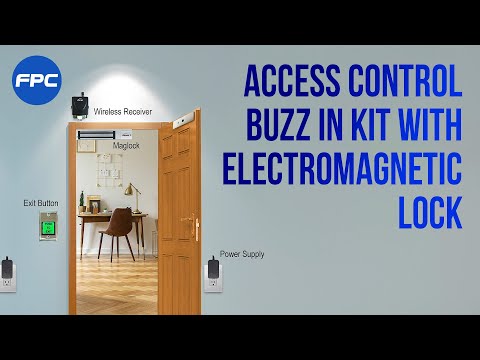
Kit One Door Access Control for Outswinging Door. Magnetic Lock 1200 lbs (545 kg) of Holding Force + Push to Exit Button + Wireless Receiver + 2 Control Remotes - FPC-5018 Visionis

 Vendor:Visionis
Kit One Door Access Control for Outswinging Door. Magnetic Lock 1200 lbs (545 kg) of Holding Force + Push to Exit Button + Wireless Receiver + 2 Control Remotes - FPC-5018 Visionis
- Regular price
- $173.90
- Sale price
- $173.90
- Regular price
-
-
Kit One Door Access Control for Inswinging Door. Magnetic Lock 600 lbs (272 kg) of Holding Force + Push to Exit Button + Wireless Receiver + 2 Control Remotes - FPC-5013 Visionis
 Vendor:Visionis
Kit One Door Access Control for Inswinging Door. Magnetic Lock 600 lbs (272 kg) of Holding Force + Push to Exit Button + Wireless Receiver + 2 Control Remotes - FPC-5013 Visionis
- Regular price
- $145.50
- Sale price
- $145.50
- Regular price
-
-
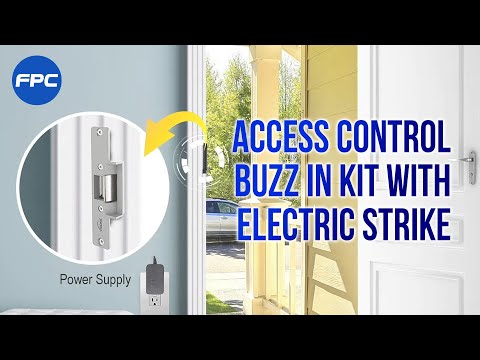
Kit One Door Access Control with Electric Door Strike for Wood and Metal Door. 770lbs (350kg) Holding Strength. Fail Safe Normally Closed + Wireless Receiver + 2 Control Remotes - FPC-7461 Visionis

 Vendor:Visionis
Kit One Door Access Control with Electric Door Strike for Wood and Metal Door. 770lbs (350kg) Holding Strength. Fail Safe Normally Closed + Wireless Receiver + 2 Control Remotes - FPC-7461 Visionis
- Regular price
- $95.21
- Sale price
- $95.21
- Regular price
-
-
Kit One Door Access Control for Outswinging Door. Magnetic Lock 600 lbs (272 kg) of Holding Force + Push to Exit Button + Wireless Receiver + 2 Control Remotes - FPC-5012 Visionis
 Vendor:Visionis
Kit One Door Access Control for Outswinging Door. Magnetic Lock 600 lbs (272 kg) of Holding Force + Push to Exit Button + Wireless Receiver + 2 Control Remotes - FPC-5012 Visionis
- Regular price
- $137.49
- Sale price
- $137.49
- Regular price
-
-
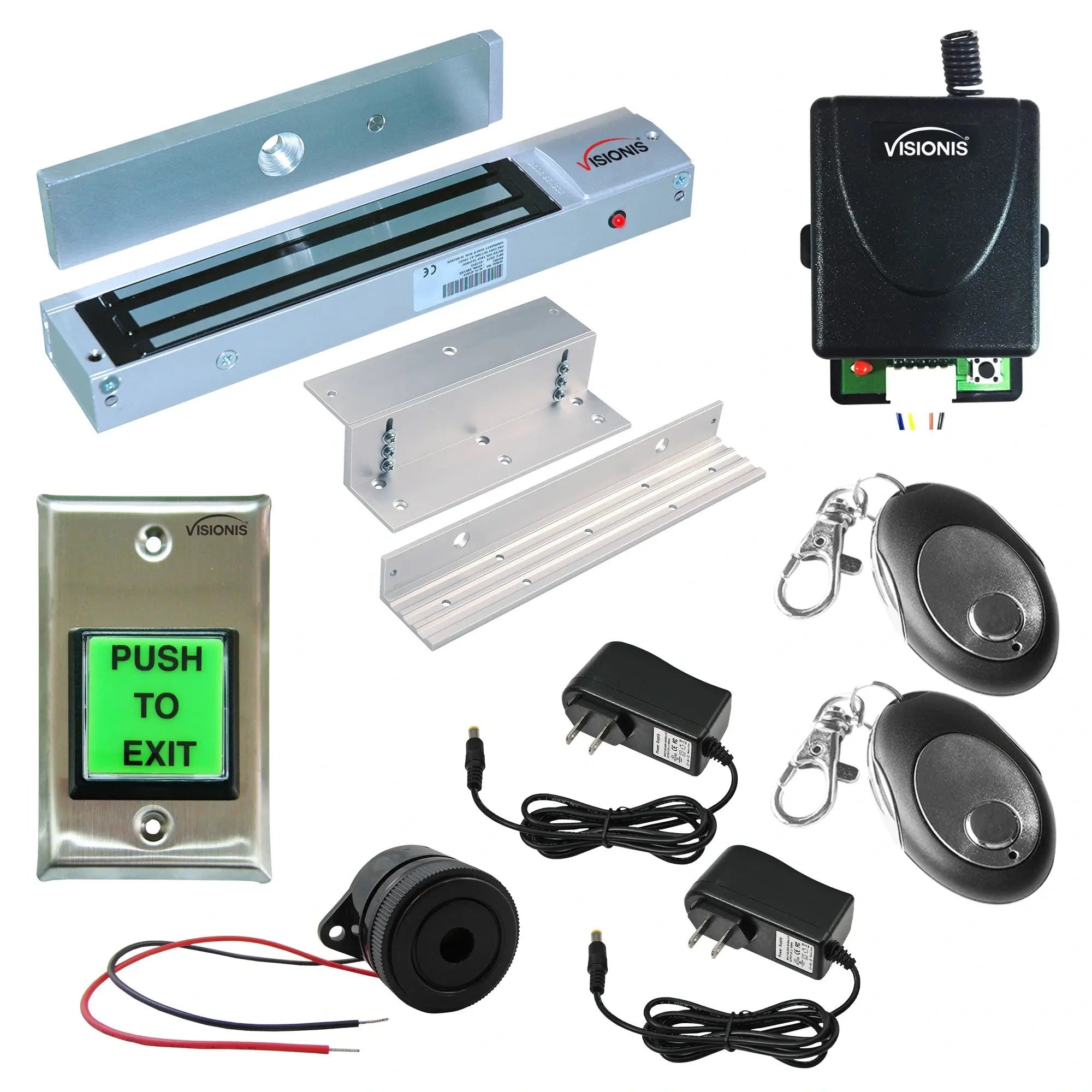
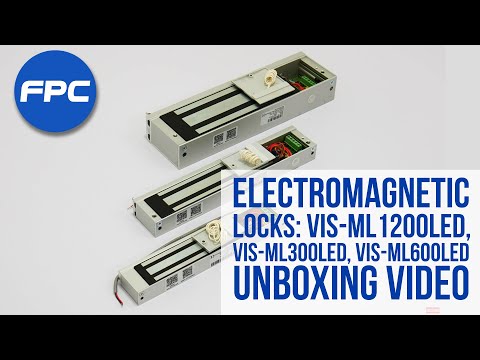
Kit One Door Access Control for Inswinging Door. Magnetic Lock 600 lbs (272 kg) of Holding Force + Request to Exit Button + Wireless Receiver + 2 Control Remotes + Piezo Alert Buzzer - FPC-8927
 Vendor:Visionis
Kit One Door Access Control for Inswinging Door. Magnetic Lock 600 lbs (272 kg) of Holding Force + Request to Exit Button + Wireless Receiver + 2 Control Remotes + Piezo Alert Buzzer - FPC-8927
- Regular price
- $159.78
- Sale price
- $159.78
- Regular price
-
-
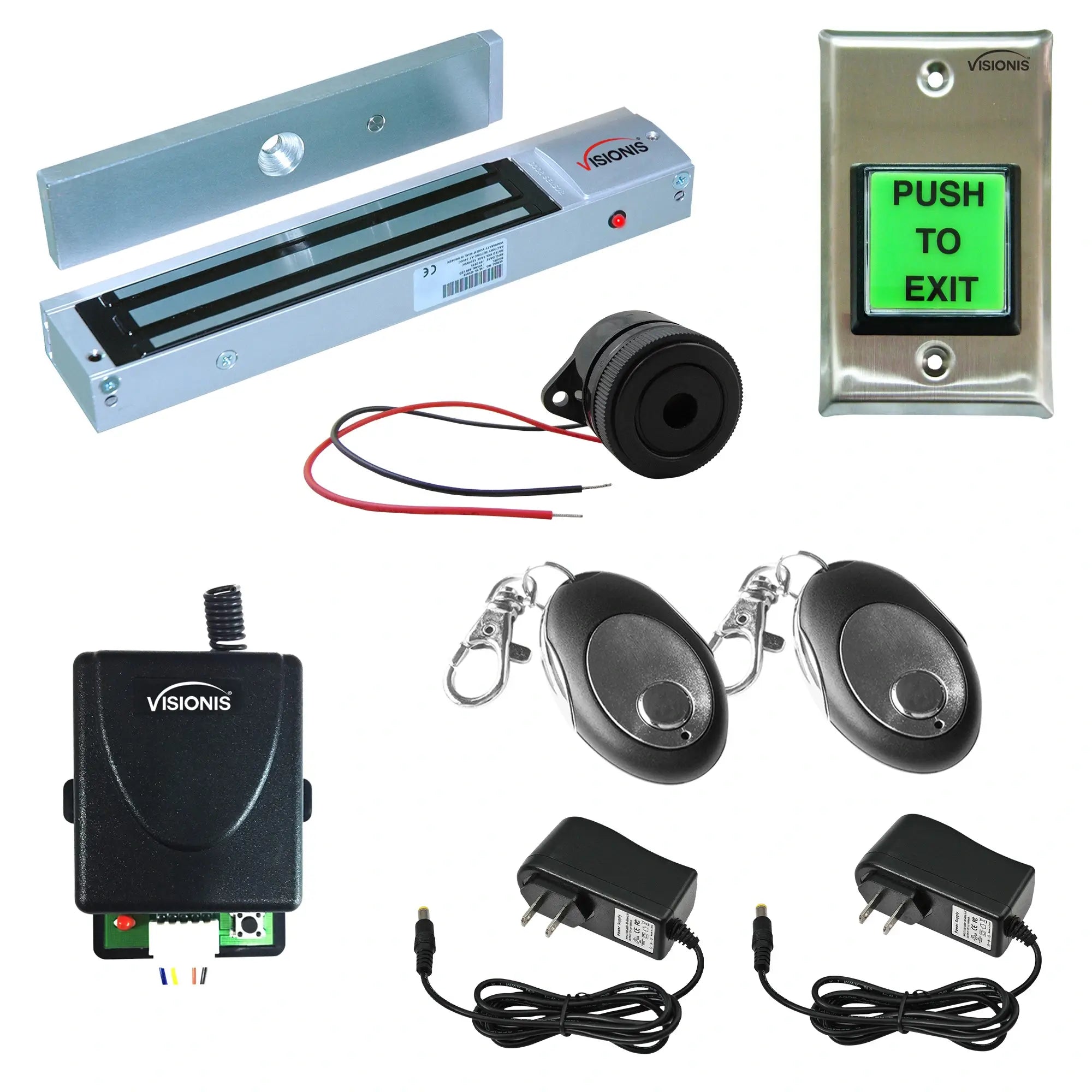
Kit One Door Access Control for Outswinging Door. Magnetic Lock 600 lbs (272 kg) of Holding Force + Request to Exit Button + Wireless Receiver + 2 Control Remotes + Piezo Alert Buzzer - FPC-8924
 Vendor:Visionis
Kit One Door Access Control for Outswinging Door. Magnetic Lock 600 lbs (272 kg) of Holding Force + Request to Exit Button + Wireless Receiver + 2 Control Remotes + Piezo Alert Buzzer - FPC-8924
- Regular price
- $149.43
- Sale price
- $149.43
- Regular price
-
-
Kit One Door Access Control for Outswinging Door. Magnetic Lock 1200 lbs (545 kg) of Holding Force + NO TOUCH Request to Exit Button + Wireless Receiver + 2 Control Remotes - FPC-7471 Visionis

 Vendor:Visionis
Kit One Door Access Control for Outswinging Door. Magnetic Lock 1200 lbs (545 kg) of Holding Force + NO TOUCH Request to Exit Button + Wireless Receiver + 2 Control Remotes - FPC-7471 Visionis
- Regular price
- $166.91
- Sale price
- $166.91
- Regular price
-
-
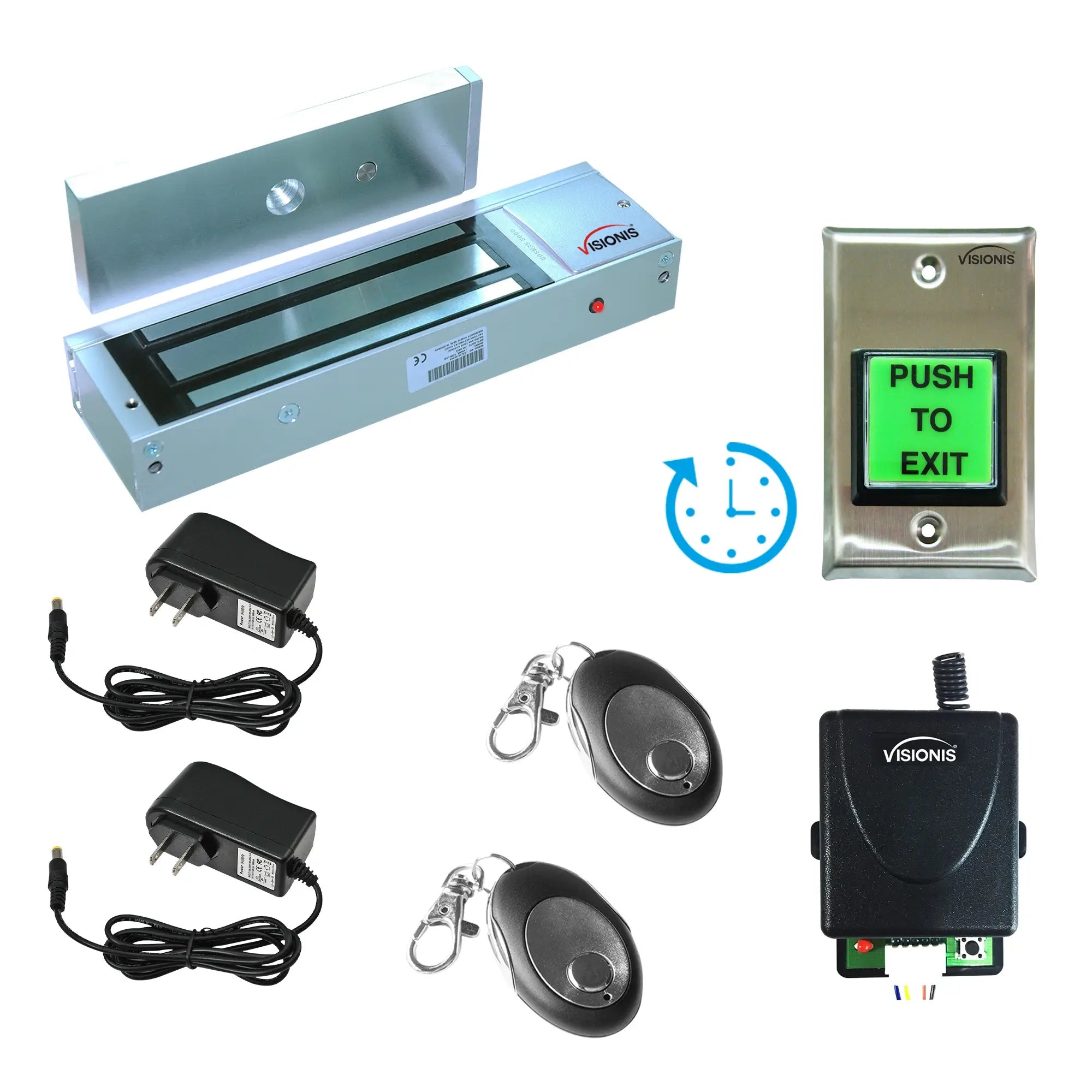
Kit One Door Access Control for Outswinging Door. Magnetic Lock 1200lbs (545kg) of Holding Force + Request to Exit Button with Timer Delay + Wireless Receiver + 2 Control Remotes - FPC-8512 Visionis
 Vendor:Visionis
Kit One Door Access Control for Outswinging Door. Magnetic Lock 1200lbs (545kg) of Holding Force + Request to Exit Button with Timer Delay + Wireless Receiver + 2 Control Remotes - FPC-8512 Visionis
- Regular price
- $204.41
- Sale price
- $204.41
- Regular price
-
-
Kit One Door Access Double Magnetic Lock. Up to 1200 lbs x2 (545 kg x2) of Holding Force + Exit Button + Wireless Receiver + 2 Control Remotes - FPC-5199 Visionis

 Vendor:Visionis
Kit One Door Access Double Magnetic Lock. Up to 1200 lbs x2 (545 kg x2) of Holding Force + Exit Button + Wireless Receiver + 2 Control Remotes - FPC-5199 Visionis
- Regular price
- $256.37
- Sale price
- $256.37
- Regular price
-
-
Kit One Door Access Control for Outswinging Door. Magnetic Lock 1200 lbs (545 kg) of Holding Force + NO TOUCH Request to Exit Button + Wireless Receiver + 2 Control Remotes - FPC-7474 Visionis
 Vendor:Visionis
Kit One Door Access Control for Outswinging Door. Magnetic Lock 1200 lbs (545 kg) of Holding Force + NO TOUCH Request to Exit Button + Wireless Receiver + 2 Control Remotes - FPC-7474 Visionis
- Regular price
- $196.80
- Sale price
- $196.80
- Regular price
-
-
Kit One Door Access Control for Outswinging Door. Magnetic Lock 600 lbs (272 kg) of Holding Force + NO TOUCH Request to Exit Button + Wireless Receiver + 2 Control Remotes - FPC-7470 Visionis
 Vendor:Visionis
Kit One Door Access Control for Outswinging Door. Magnetic Lock 600 lbs (272 kg) of Holding Force + NO TOUCH Request to Exit Button + Wireless Receiver + 2 Control Remotes - FPC-7470 Visionis
- Regular price
- $125.96
- Sale price
- $125.96
- Regular price
-
-
Kit One Door Access Control for Inswinging Door. Magnetic Lock 300 lbs (136 kg) of Holding Force + Push to Exit Button + Wireless Receiver + 2 Control Remotes - FPC-5007 Visionis
 Vendor:Visionis
Kit One Door Access Control for Inswinging Door. Magnetic Lock 300 lbs (136 kg) of Holding Force + Push to Exit Button + Wireless Receiver + 2 Control Remotes - FPC-5007 Visionis
- Regular price
- $145.00
- Sale price
- $145.00
- Regular price
-
-
Kit Two Door Access Control for Outswinging Door. 2 Magnetic Lock 300 lbs (136 kg) of Holding Force + 2 Push to Exit Button + Wireless Receiver + 2 Control Remotes - FPC-5008 Visionis
 Vendor:Visionis
Kit Two Door Access Control for Outswinging Door. 2 Magnetic Lock 300 lbs (136 kg) of Holding Force + 2 Push to Exit Button + Wireless Receiver + 2 Control Remotes - FPC-5008 Visionis
- Regular price
- $196.50
- Sale price
- $196.50
- Regular price
-
-
Kit One Door Access Control for Outswinging Door. Magnetic Lock 300 lbs (136 kg) of Holding Force + Push to Exit Button + Wireless Receiver + 2 Control Remotes - FPC-5006 Visionis
 Vendor:Visionis
Kit One Door Access Control for Outswinging Door. Magnetic Lock 300 lbs (136 kg) of Holding Force + Push to Exit Button + Wireless Receiver + 2 Control Remotes - FPC-5006 Visionis
- Regular price
- $128.55
- Sale price
- $128.55
- Regular price
-
-
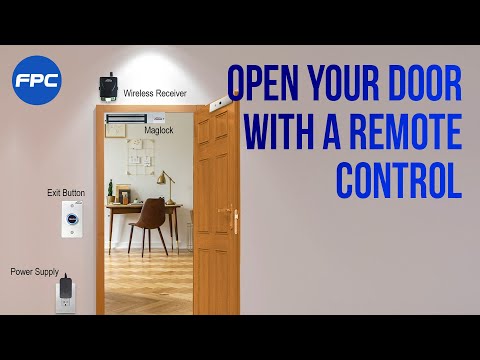
Kit One Door Access Control for Outswinging Door. Magnetic Lock 1200 lbs (545 kg) of Holding Force + Touch to Exit Button + Wireless Receiver + 2 Control Remotes - FPC-7456 Visionis

 Vendor:Visionis
Kit One Door Access Control for Outswinging Door. Magnetic Lock 1200 lbs (545 kg) of Holding Force + Touch to Exit Button + Wireless Receiver + 2 Control Remotes - FPC-7456 Visionis
- Regular price
- $165.91
- Sale price
- $165.91
- Regular price
-


Frequently Asked Questions
What is the difference between a wireless buzz-in kit and a full access control system?
A wireless remote buzz-in system is staff-operated. A person at a desk or station presses a remote to release the door for a visitor. A full access control system is credential-operated, meaning the person entering presents a card, fob, or PIN to gain entry independently. Buzz-in kits are used where visitor traffic needs to be supervised and staff are already positioned near the entry point. Full access control systems are used where employees need independent entry without another person releasing the door each time.
Can a wireless buzz-in kit be installed on a fire-rated door?
Fire-rated doors have specific hardware requirements governed by local fire codes and the door's listed rating. Electromagnetic locks used on fire-rated doors generally need to be fail-safe, meaning they release when power is cut, and may need to be connected to the building's fire alarm system so they disengage automatically during an alarm event. If you are installing on a fire-rated door, confirm the kit's specifications against your local authority's requirements before purchasing. Consulting with your local fire marshal or a licensed door hardware professional is recommended if you are uncertain.
How many remotes can be paired to one wireless receiver?
Each kit ships with two remotes, but most receivers support additional remotes beyond those included. The maximum pairing capacity varies by model and is listed in each product's specifications. If multiple staff members need to control the same door from different positions, check the receiver's pairing limit before ordering additional remotes separately.
Do these kits include a power supply?
Power supply inclusion varies by kit. Some kits ship with a power supply unit while others require a separately sourced supply matched to the lock's voltage and amperage requirements. All our buzz in kits include at least one power supply. Powering an electromagnetic lock from an undersized supply is one of the most common causes of reduced holding force in the field, so matching the supply to the lock's specifications matters.
Can the wireless receiver be wired in alongside an existing access control reader?
Yes. The receiver outputs a dry contact signal that can be wired in parallel with an existing reader or access control panel at the same door. This allows the door to be released either by the wireless remote or through your existing credential system without one interfering with the other. If your current setup requires a specific wiring configuration, contact us before ordering and we will confirm compatibility.
What is the effective range of a wireless door buzzer remote?
Most wireless door buzzer remotes operate at ranges between 100 and 300 feet in open air. Inside a building, walls, metal framing, and other structural materials will reduce that range. Before selecting a kit, measure the distance between where your staff are stationed and where the receiver will be installed. If you are uncertain whether the range will hold up in your specific building layout, contact us before purchasing.
What happens if power to the receiver is interrupted?
If the receiver loses power, the door hardware will default to either a locked or unlocked state depending on the type of lock installed. Fail-secure locks remain locked when power is cut. Fail-safe locks release when power is lost. Knowing which lock type is installed at your entry point is important before selecting a wireless door buzzer system, particularly in facilities with emergency egress requirements.